Squish Effect
Bring any object in your photo into a playful, squeezable moment.
“A pair of hands reaches into frame and squeezes the subject of this photo like soft rubber, letting it spring back with a comical wobble…”
Nexoria turns a still photo or a short idea into a 5- or 10-second video clip — or a single image. Start from one of 120 ready-made effects with a written-out prompt, change any word you like, and choose the length, frame and sound before you hit Generate.
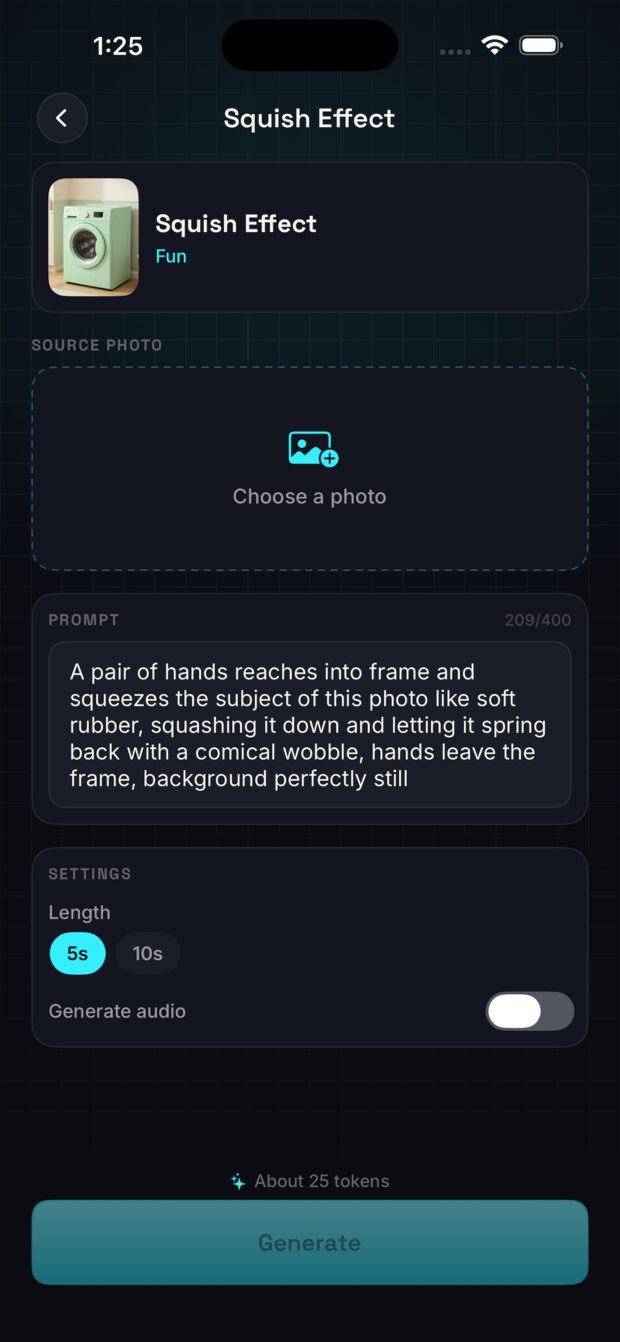
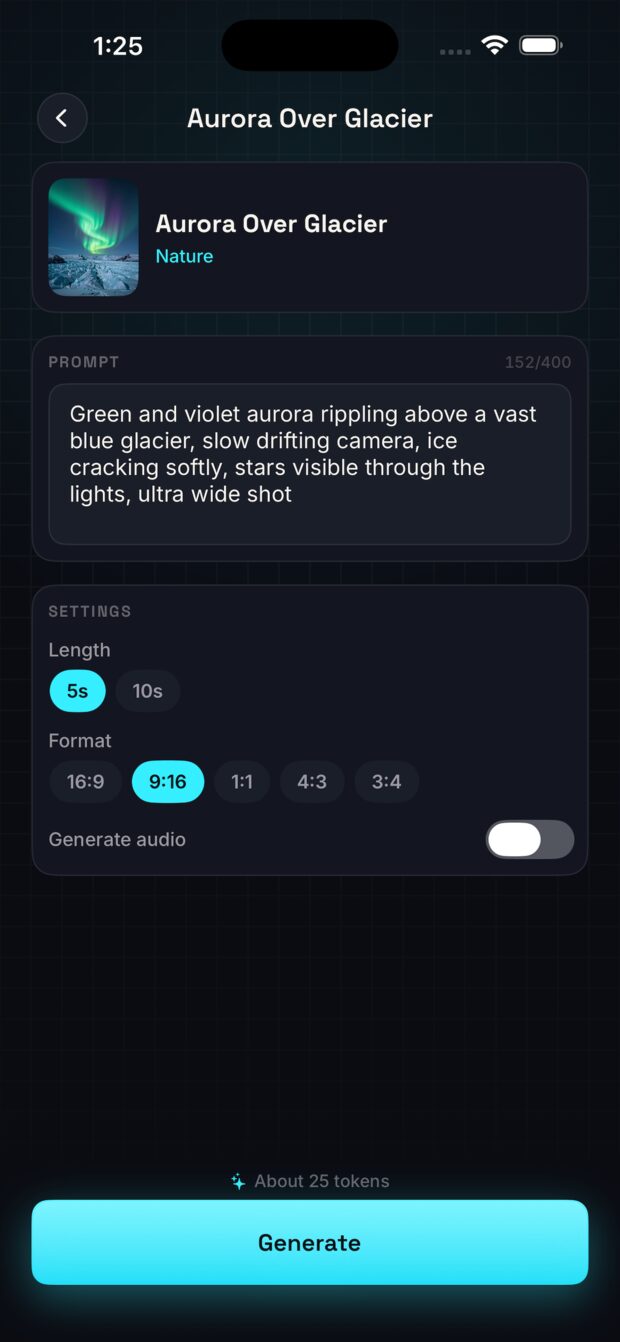
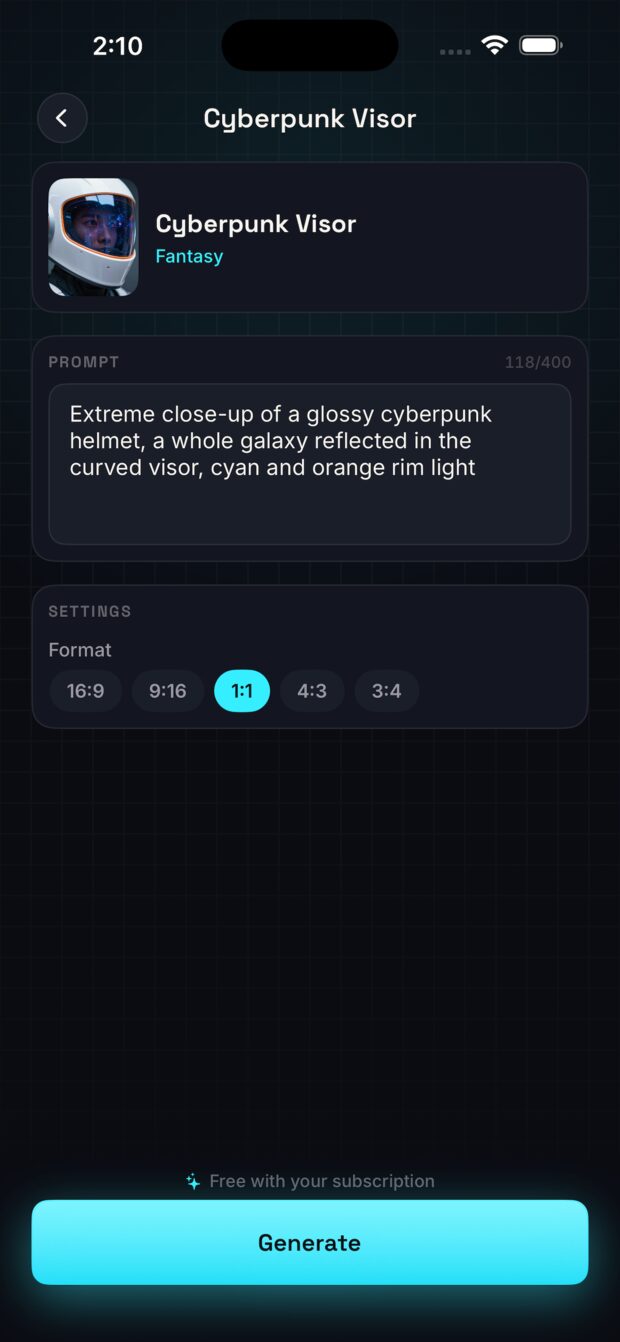
120 effects in three families — 49 photo-to-video, 20 text-to-video and 51 text-to-image. Each one opens with its full description, so you know what will happen to your photo, and you can rewrite it before generating. Prefer a blank page? Write your own prompt from scratch.
Bring any object in your photo into a playful, squeezable moment.
“A pair of hands reaches into frame and squeezes the subject of this photo like soft rubber, letting it spring back with a comical wobble…”
A full scene from words alone — no photo needed.
“Green and violet aurora rippling above a vast blue glacier, slow drifting camera, ice cracking softly…”
Some effects make a single striking image instead of a clip.
“Extreme close-up of a glossy cyberpunk helmet, a whole galaxy reflected in the curved visor…”
Browse effects by type and mood, watch the preview and save favourites with a like. Or tap + to start from scratch.
Photo effects animate the picture you pick. Scene effects work from the prompt alone. Edit the text as much as you like.
Pick 5 or 10 seconds, a frame shape and whether you want sound. The cost appears on the button before you start.
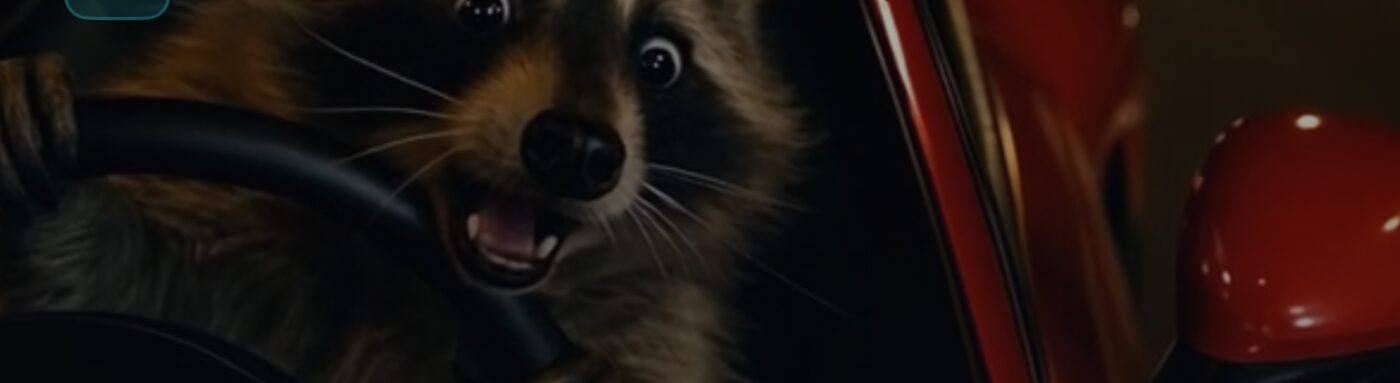
Generating needs a subscription. Every generation shows its cost right on the Generate button before you start.
A weekly or yearly plan includes image effects and a set number of tokens for video every period — a video uses about one token per second (5 tokens for a 5-second clip). It renews automatically until you turn it off at least 24 hours before the period ends.
Need more video? Subscribers can top up with one-time packs of 150 or 300 tokens. Packs don’t expire and don’t renew.
All payments go through the App Store. Refunds are handled by Apple at reportaproblem.apple.com.
Signing in is optional, the app has no ads or analytics, and we don’t keep your pictures around.
Only what a generation needs: the photo you picked (if any), the prompt and your settings.
Our server passes the request to Replicate, our AI processing provider, which runs the video model and returns the result.
Uploaded photos are deleted from our server automatically within about two hours. Finished clips are not stored on our server — save the ones you like.
Write to us — a real person reads every message.